How to Sell Your Used Mobile Phone Safely and Get the Best Price
Upgrading your phone often leaves the old one tucked away in a drawer, forgotten. However, that unused device still holds value. Selling your used mobile phone is a smart financial move—it puts extra cash in your pocket and contributes to reducing electronic waste in the environment.
Selling your mobile phone the right way can help you earn a good price while keeping your personal information protected and steering clear of potential scams. This guide outlines the key steps to safely and effectively sell your used phone and get the most out of your sale.
Step 1: Prepare Your Phone Before You Sell
Preparing your mobile phone properly can significantly increase its resale value and attract serious buyers. Here's what you should do before listing it for sale:
1.1 Back Up Your Data
Make sure you save all your important files, photos, contacts, and apps. Use services like Google Drive, iCloud, or copy data to a USB or laptop.
1.2 Factory Reset the Phone
Performing a factory reset will wipe all your personal data and restore the phone to its default settings. You can usually find this option under 'Reset' or 'System Settings' in your phone's menu.
1.3 Remove SIM and Memory Cards
Before giving away your phone, make sure to remove your SIM card and memory card. These often hold personal data and can be used in your new device.
1.4 Sign Out of Accounts
Sign out of your Google or Apple account. This will remove your account from the phone and disable security features like “Find My iPhone” or “FRP Lock” on Android.
1.5 Clean the Phone
Gently clean the screen and outer body of your phone with a soft, lint-free cloth. A clean device enhances its appearance in photos and signals to buyers that it has been well cared for.
Step 2: Know the Value of Your Phone
Before deciding on a price, it's important to evaluate your phone’s current market value. The price can differ based on several factors such as:
- Model and brand
- Storage capacity (e.g., 64GB, 128GB)
- Physical condition (scratches, dents, etc.)
- Accessories (box, charger, handsfree)
- Market demand
Where to Check Prices:
- OLX Pakistan
- Facebook Marketplace
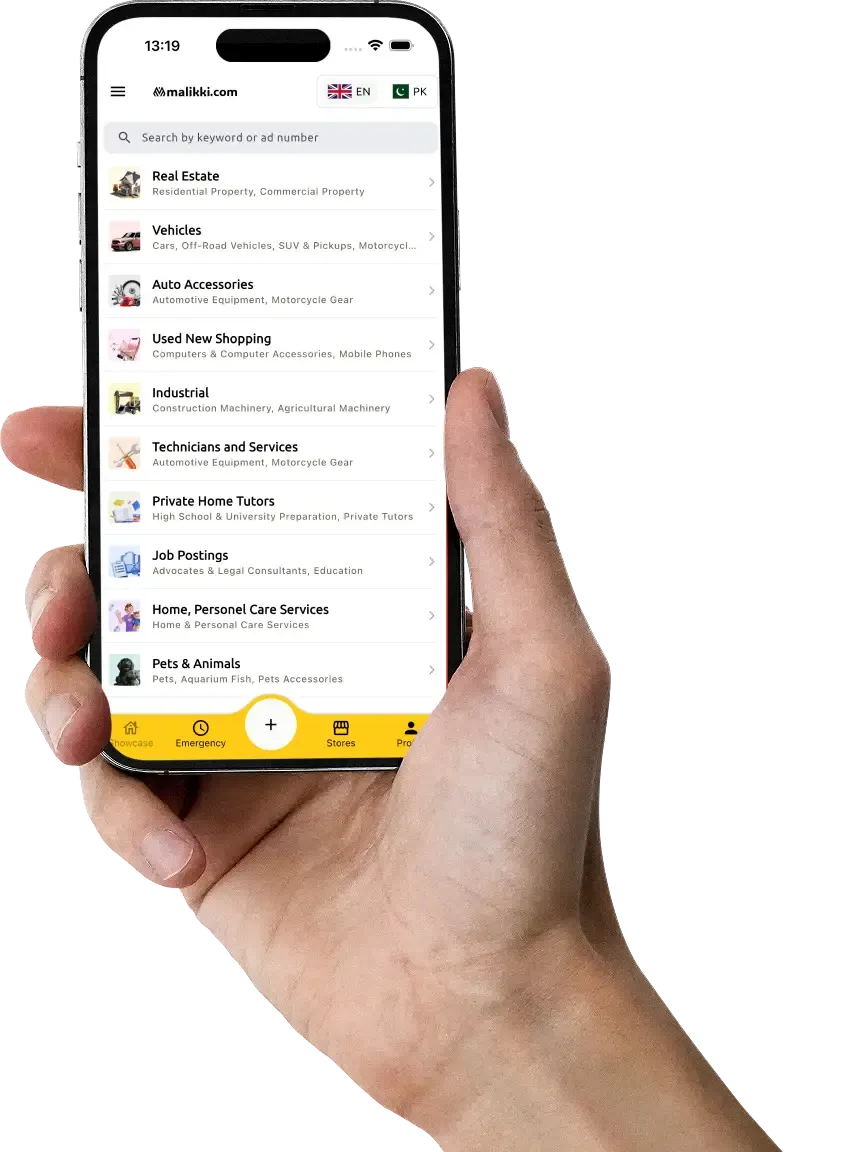
- Malikki.com – a growing platform for secure local sales
Compare similar listings to get an idea of what buyers are paying for your phone model. Be realistic with your price — too high and no one will buy, too low and you’ll lose value.
Step 3: Take Good Photos
Photos are the first thing buyers notice. Make sure your pictures clearly show:
- Front and back of the phone
- All sides and corners
- Screen condition
- Included accessories
Use natural lighting and a plain background. Don’t hide any damage — being honest helps build trust and avoids problems later.
Step 4: Write a Clear and Simple Listing
A well-written ad helps you sell faster. Keep your description short, clear, and honest.
What to include in your listing:
- Brand and model (e.g., Infinix Zero 8, 128GB)
- Condition (used, like new, minor scratches, etc.)
- Accessories included (box, charger, case, etc.)
- Reason for selling
- Final price (mention if it’s negotiable)
Example:
“iPhone 11, 64GB in good condition. Used for 1 year. No major scratches. Comes with original box and fast charger. Factory reset and ready to use. Selling due to upgrade. Price negotiable.”
Step 5: Choose a Safe Selling Platform
Pick a platform that is easy to use and keeps your personal details secure.
Recommended platforms:
- Malikki.com – for verified local buyers and safer deals
- OLX Pakistan – one of the most popular options
- Facebook Marketplace – good for quick and nearby sales
- Local phone shops – quick cash but may offer lower prices
Each platform has pros and cons. Online marketplaces offer better reach, while local shops give instant cash.
Step 6: Deal with Buyers Safely
Ensuring your safety during buyer meetups is essential for a secure transaction.
Tips for a safe transaction:
- Meet in public places (like malls or cafes)
- Don’t share your home address
- Always bring a friend if possible
- Accept payment in cash or through trusted payment apps
- Don’t agree to suspicious requests like shipping the phone before payment
Stay alert and avoid deals that seem too good to be true.
Step 7: Complete the Sale Professionally
Once you receive payment, double-check everything before handing over the phone.
- Remove all personal data (if not already done)
- Reset the phone again for safety
- Provide a basic written agreement or receipt if needed
- Keep contact details in case any issue arises later
Bonus Tip: Where to Sell Your Phone Instantly
If you're in a hurry or prefer an easier method, you can also try:
- Certified phone shops and retailers
- Online buyback websites like PhoneWorld and Cashify
- Instant Cash Deals on platforms like Malikki.com
While the price may be slightly lower, you’ll save time and reduce risk.
Final Thoughts
Selling your used mobile phone doesn’t need to be stressful. With a bit of preparation, you can protect your personal data, find a genuine buyer, and get the best possible price. Follow the steps above to make the process smooth, safe, and rewarding.
Instead of letting your old phone sit unused, turn it into cash and give it a second life.
Ready to Sell?
Post your ad today on Malikki.com and reach thousands of real buyers in Pakistan. It’s free, fast, and secure.